Improving Model Context
You can use the feedback loop to enrich your model context by giving a thumbs up or thumbs down on a response generated by the model. For example, if I summarize an article from an NVIDIA blog post, I can ask the model to remember it within the project scope by clicking on the thumbs up icon in the response.
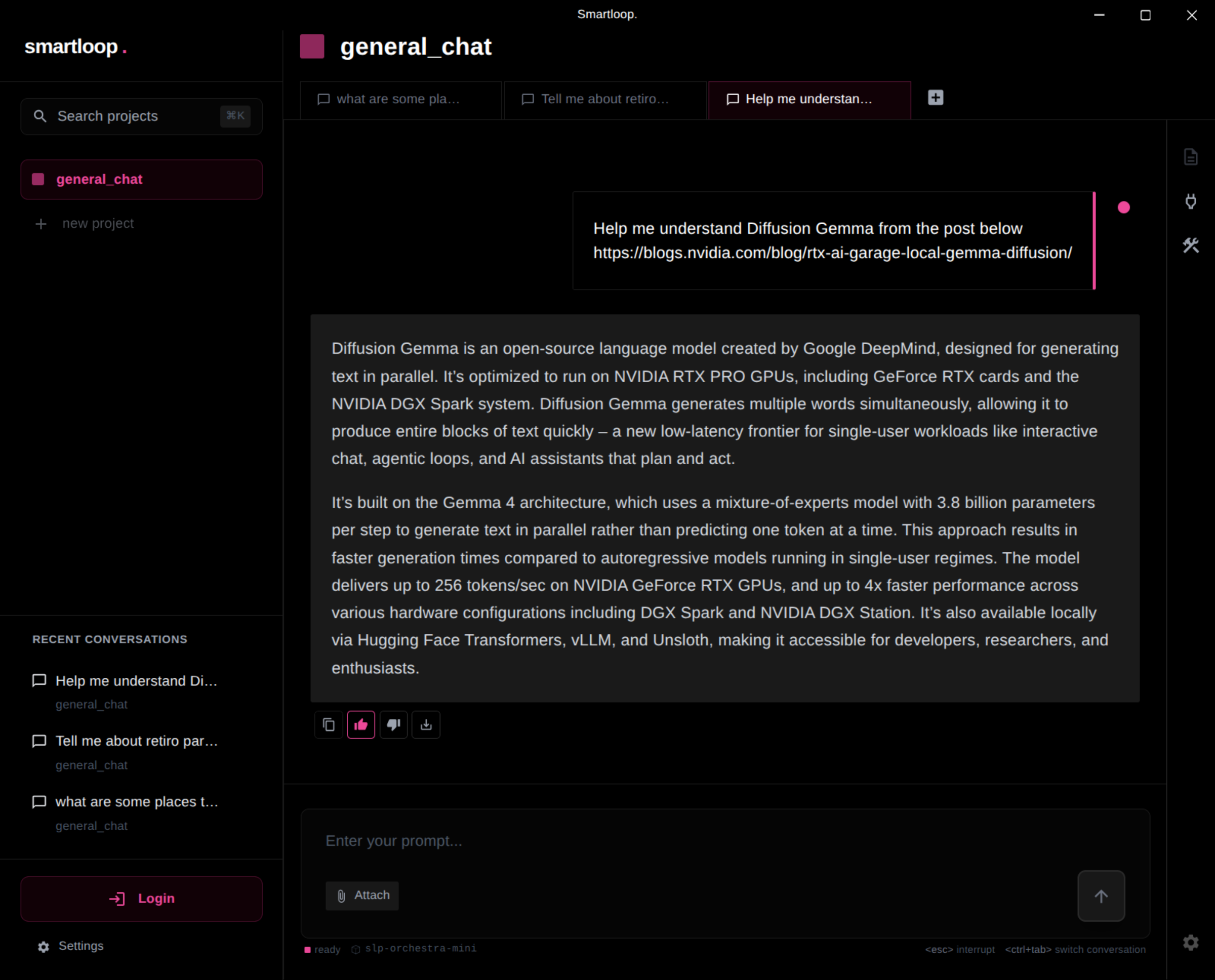
This helps index the information into memory. The next time I ask a question about Diffusion Gemma, the model should be able to generate a response without fetching the blog post again.
This process helps curate your project data and makes results more predictable based on your style and the information you provide, enabling better generation of new content.
Similarly, giving a thumbs down removes it from the model context.